

This guide is for developers who want to continue Claude Code sessions from a phone or tablet while traveling, and need to check project, account, and policy boundaries first. Compare common work scenarios, run a low-risk verification checklist, and decide when to pause or use an approved workflow instead.

If a multi-channel order is missing from Seller Central, verify the source-channel record before treating it as lost. This guide helps you separate access, product-matching, filter, and status issues, preserve evidence, and avoid duplicate fulfillment.

If MainStage reports missing items in a Concert, work from a duplicate and identify each dependency before changing the project. This guide separates Audio Units, sampler instruments, and sound content, then gives you a handoff and performance verification workflow.
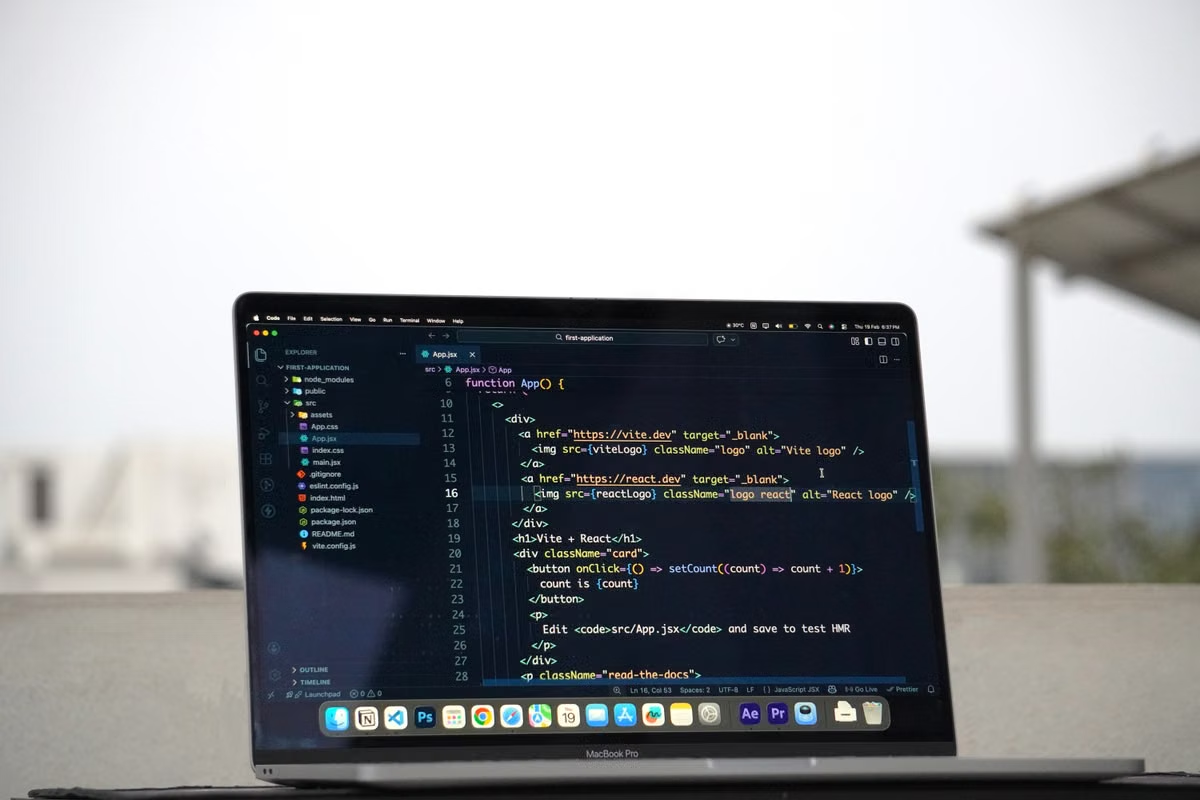
Claude Code 2.1.319 supports MCP background tasks in the terminal, but that does not guarantee that work continues on a remote Mac after a session ends. This guide walks you through host and server checks, a representative test run, result recovery, and a disconnection drill.

An iPad can connect to an external display, but that alone does not extend a remote Mac desktop. This checklist helps travelers, creatives, and developers test the iPad, display connection, and remote client against the work they actually need to do.

If you’re preparing a Shopify store for Agentic Storefronts, verify each knowledge base fact against its source and the customer-facing page before publishing it. This guide covers policy, shipping, payment, contact and brand checks, plus a release checklist and a process for reviewing updates.
For macOS CI maintainers, this guide shows how to verify the image each job actually used and distinguish image variation from project defects. It covers log collection, controlled reproduction, cautious responses to image updates, and when a more controlled Mac build host is worth evaluating.

If you already have a Mac that can run macOS 27 or later, test that machine before renting another one. This guide separates the announced MCP requirements from iPad app support, then gives you a device and travel-access decision path, permission checks, and questions to confirm before relying on a remote Mac.

This guide is for Windows-based motion designers, freelance 3D creators, and small teams deciding whether a remote Mac can reproduce a Cinema 4D 2027 Scatter workflow. It lays out a staged scene test, a dependency comparison, and a delivery check so you can judge the whole project rather than software launch alone.
If you distribute macOS software outside the Mac App Store, identify the certificate issuer before deciding what needs to change. This guide compares the impact on signed Mac apps and .pkg installers, then walks through replacement, build pipeline updates, and release verification.

If a Mac Catalyst build fails under Xcode 27.2 RC, first verify whether the code uses an iOS 27.1-specific API and whether the reported error matches Apple’s documented issue. This guide separates API availability problems from deployment-target and project errors, then gives you a conditional-compilation workflow and a decision path for keeping RC builds out of production until they pass.
This guide helps researchers and lab leads decide whether NVivo 15 for Mac covers the work they actually need to do. It compares platform fit, project handoffs, Collaboration Cloud, and the checks to make before testing a Mac workflow.

This guide is for travel photographers and remote workers who need Lightroom Classic while carrying a lightweight device. It shows how to verify the catalog, original-photo paths, editing workflow, exports, and backup before deciding whether a cloud Mac belongs in your travel setup.

If you manage multiple Amazon Seller Central accounts, verify the business reason and account standing before changing devices. This guide compares policy, permissions, handoffs, and macOS needs so you can decide whether a dedicated or remote Mac solves a real operational problem.

This guide helps Swift beginners decide whether a Task should handle an error internally or remain available for later result checking. It explains how to read the warning, make a minimal change, rebuild in Xcode 27, and decide whether you need access to a Mac for verification.

Independent iOS developers, freelancers, and small remote teams can use this guide to decide which work belongs in Xcode Cloud and which needs an interactive Mac. Compare workflow fit, review practical setup risks, and test a delivery process before relying on it while traveling.

A reproducible check for the difference between an app that can read a file and an app that macOS selects when the file is opened normally.

Registration is only one checkpoint. Verify approval and actual app launch after a fresh graphical login.

Opening a file once does not prove that access survives relaunch. Check entitlements, bookmark restoration, and failure handling.
Coming soon
No articles have been published yet. Need to choose a model and rental term, or troubleshoot a connection? Start with one of the pages below.
Series
Coming soon
Featured articles will appear here once published.